

Hingham, Massachusetts · Plymouth County
IT Support for Hingham businesses, on the harbor and beyond.
Hingham is linked to Boston by ferry, train and highway, and its businesses need technology that works in the office, at home and in between. ABT provides that IT support: help desk, monitoring, security, backups, Microsoft 365, and the vendor calls nobody else wants to make.
Local context
A colonial harbor town with a commuter's reach.
Hingham was settled in 1633 as "Bare Cove" and incorporated two years later, and it still carries that colonial history, down to the statue of President Lincoln near Hingham Square. His first American ancestor, Samuel Lincoln, came over with the early colonists from Hingham in Norfolk, England. The town lies on the southwestern corner of Boston Harbor in Plymouth County, bordered by Weymouth, Cohasset, Scituate, Norwell, Rockland and Hull.
Getting to Boston is part of daily life here. MBTA ferries run from the Hingham Shipyard to Rowes Wharf, Greenbush Line trains stop at West Hingham and Nantasket Junction, and Routes 3, 3A, 53 and 228 carry road traffic. A business whose people move between a Hingham office, home and the city needs secure remote access, reliable email and files that sync correctly wherever someone opens a laptop.
Coverage
Hingham, served from three offices.
ABT looks after Hingham businesses from Boston, East Bridgewater, and Whitman. Remote support answers most requests the moment they come in. When the job is physical, whether that is new hardware, a network upgrade or an office move near the harbor, a technician visit is scheduled, using the Route 3 and Route 53 corridors that serve the town.
- Service area
- Hingham, MA · Plymouth County
- ABT offices
- Boston, East Bridgewater, and Whitman
- Delivery
- Remote first, scheduled onsite
Managed IT services in Hingham
The work ABT handles for you.
For Hingham offices, practices and shops, these managed IT services cover daily support and the longer plan, handled by one accountable team.
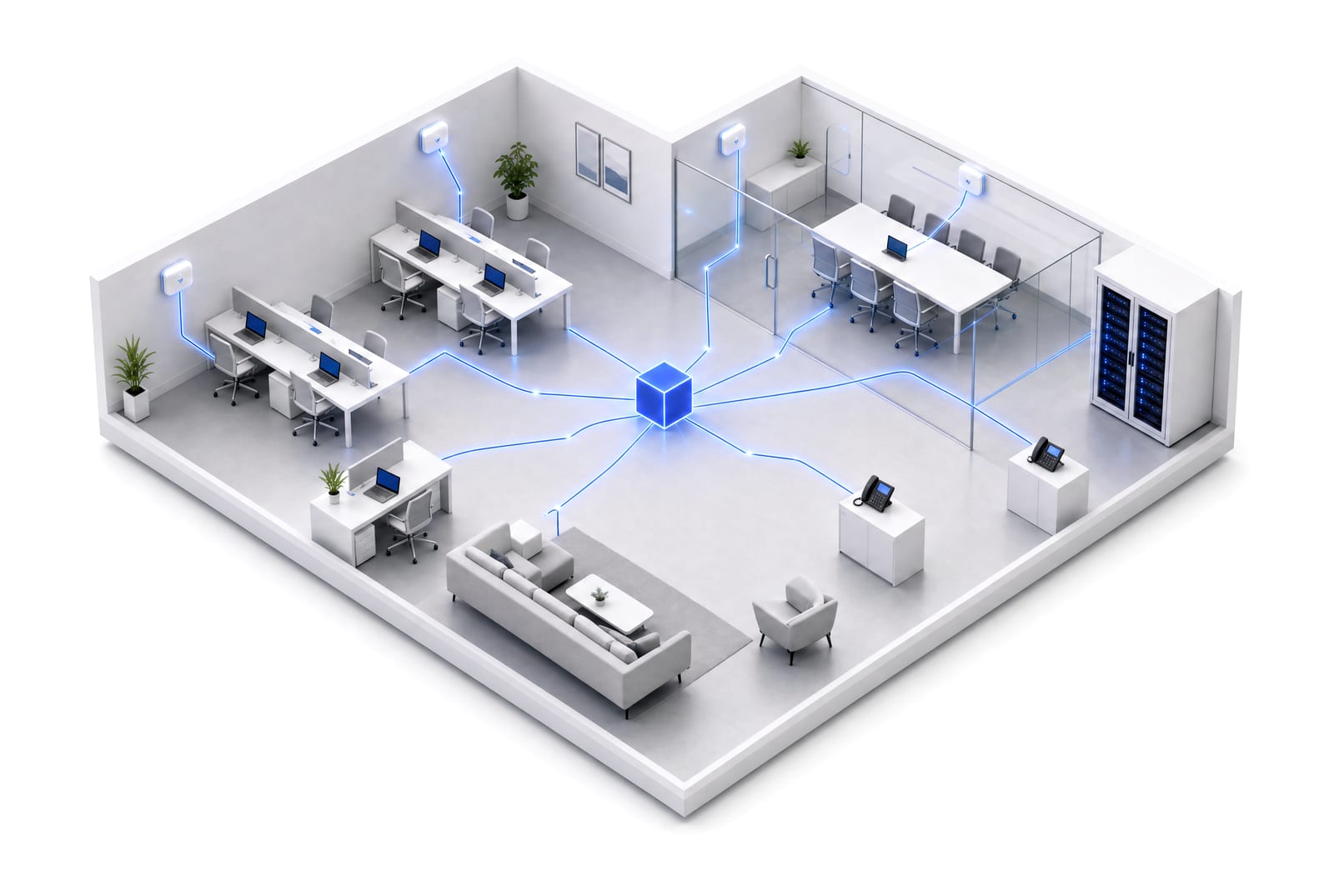
- Staff support, one call awayPeople in the office or working from home reach the same help desk for passwords, devices and email, and most fixes are made remotely.
- Maintenance that prevents surprisesWe track the condition of computers, servers and network equipment, roll out updates on schedule, and fix warning signs before they stop work.
- Security for people on the moveMultifactor sign-in, encrypted laptops, email screening and controlled access protect a team that works from the office, from home and on the commute.
- Backups with a proven restoreFiles, mailboxes and servers backed up and periodically restored as a test, plus written steps for recovering from failure, loss or ransomware.
- Microsoft 365 for hybrid workTeams, SharePoint, OneDrive and Outlook configured so shared files stay in order and access follows people as they join and leave.
- Vendors, renewals and the roadmapYour internet, phone and software suppliers talk to us, and we maintain a plan that schedules replacements and renewals within budget.
How support begins
Four steps to one accountable team.
Map
We document your people, devices, accounts and vendors, plus every recurring frustration.
Patch Up
We address the weakest points first: aging equipment, missing updates and unclear ownership.
Defend
Monitoring, verified backups and security controls become standard practice across your team.
Build
A short plan reduces repeat issues and books future replacements before they turn urgent.
Five services, one team
More than IT support, from the same team.
- Managed ITSupport, monitoring, maintenance, backups, vendors and the plan.
- Managed AIApproved AI tools, safe data, useful automation and training.
- CybersecurityIdentities, devices, email and data protected every day.
- Web DesignWebsites, search visibility and marketing that work together.
- App DevelopmentBusiness apps built around how your team works, with mobile access.
What clients say · ★★★★★
“He is always available when needed to answer questions, troubleshoot system issues, install new hardware and software, and keep us up to date on any advances in technology that would make our office run smoother.”
Nearby service areas
Also supporting businesses near Hingham.
IT Support in Hingham: questions we hear.
What does ABT's IT support include for Hingham companies?
Support for the people, the equipment and the accounts. That means a help desk for staff, patching and monitoring, security, backups we restore-test, Microsoft 365 and cloud administration, calls to your vendors, and planning for future needs, all set out in your service agreement.
Can ABT send a technician to Hingham?
Yes, for work that needs hands. Most problems are resolved remotely right away, and a technician is booked to come out for equipment, network or cabling jobs, office moves and anything remote tools cannot handle.
Is ABT's office in Hingham?
No. ABT is located in Boston, East Bridgewater, and Whitman. Hingham sits about 14 miles southeast of Boston, reached by Routes 3, 3A and 53, and most support is delivered remotely before a visit is ever needed.
What response times does ABT commit to?
Response targets are agreed in your service agreement, tied to how urgent each issue is and to your support hours. You know what to expect in writing, not from a sales promise.
How do we change IT providers without disruption?
We gather passwords, licenses, accounts and documentation, plan the transfer with whoever supports you now, fix the urgent risks early, and agree on ownership of each system before the cutover.
Start with the business problem
Bring us your Hingham questions.
Describe how your Hingham team works and what keeps getting in the way. We will suggest a practical place to start.
Service areas